iPhone · Android

Bulava for your phone
Your Mac keeps doing the work. From the phone you can start a chat, answer a question or stop a run, then carry on at the desk where you left off.
iPhone with iOS 18.5 or newer, through Apple's free TestFlight app. Android 10 or newer. Both need Bulava 1.9 or newer on a Mac on the same Wi-Fi.
Reading this on the Mac? Point the phone's camera at the code and this page opens there.
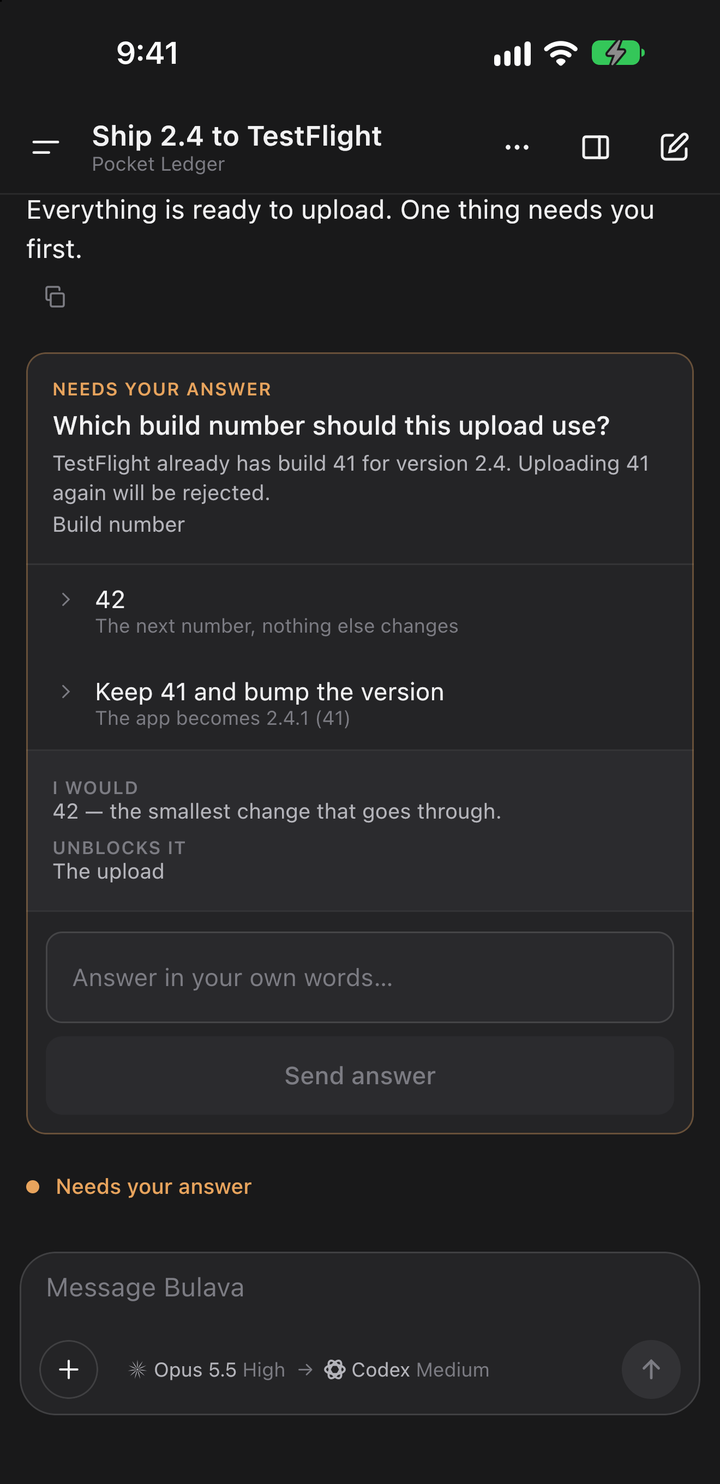
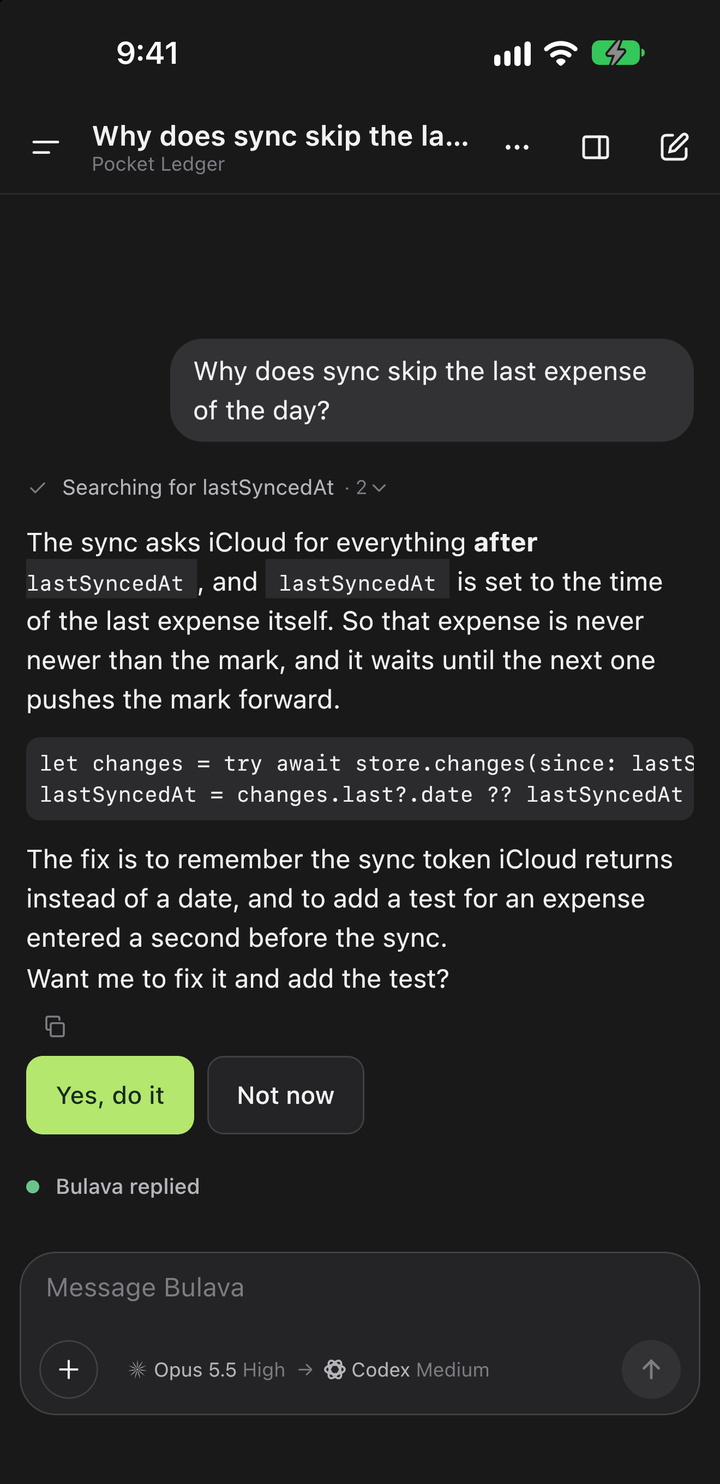
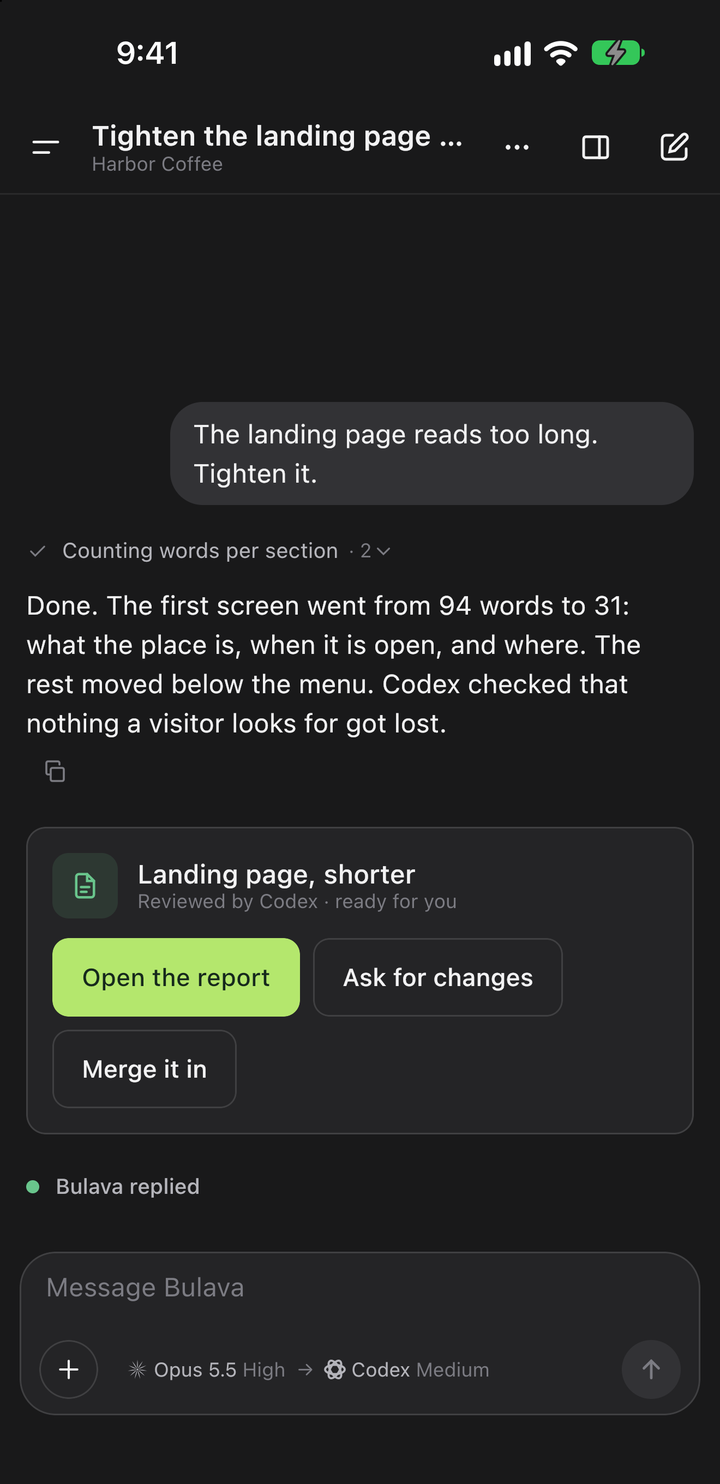
Installing
A beta for iPhone, a file for Android.
iPhone
Through TestFlight
- Install TestFlight from the App Store. It is Apple's free app for trying beta versions.
- On the iPhone, tap the iPhone button above and accept the invitation.
- New versions come through TestFlight by themselves. The beta needs iOS 18.5 or newer.
Android
From this site
- On the phone, tap the Android button above and download the file.
- Open it. The first time, Android asks whether your browser may install apps; allow it.
- A new version is a new download from here. It installs over the old one and keeps the pairing. Android 10 or newer.
Pairing
Then show it your Mac.
- Bulava 1.9 or newer on the Mac
- The phone works through the Mac and runs nothing by itself. Download Bulava 1.14
- The same Wi-Fi
- The phone talks to the Mac directly over your local network. From another network it cannot connect, on purpose.
- Scan the code
- On the Mac, click the phone icon in the toolbar, then scan the code from inside the app.
The App Store and Google Play versions come later. When they do, these buttons will lead there.